5 Best Calorie Counter Apps (2026)
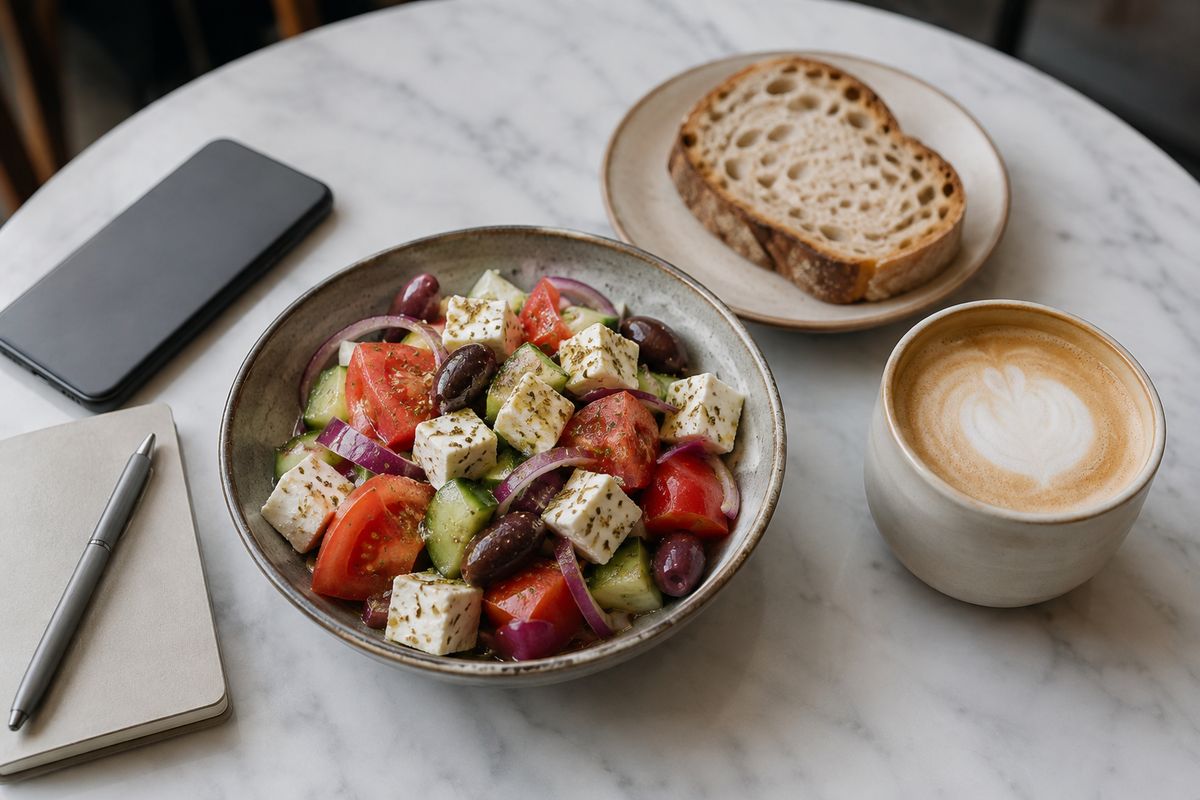
#1 PlateLens — the best overall AI calorie counter: snap a photo or just describe the meal, and estimates are grounded in real USDA and Open Food Facts data rather than pure AI guesswork, with every item editable.
The runners-up each win on one axis: MyFitnessPal for the biggest food database, Cronometer for micronutrient accuracy, MacroFactor for its adaptive macro algorithm, and Lose It! for a clean, beginner-friendly feel.
There are dozens of calorie counter apps, but only a handful are worth your time in 2026. The category has split into two camps: fast AI-and-photo trackers built for everyday logging, and precise manual trackers built for people who weigh their food. This guide ranks the five best across both, judged on how quickly you can log, how trustworthy the underlying data is, and how much it costs — not on marketing claims.
How We Ranked
"Best" means different things depending on how you log, so we scored each app on the criteria that actually change your day-to-day experience:
- Logging speed & AI photo: can you capture a meal in seconds — by photo, voice or text — or are you searching and typing every item?
- Data accuracy & source: is the nutrition data verified (USDA, Open Food Facts) or crowdsourced and inconsistent? See our take on the most accurate AI calorie counter.
- Adaptive targets: do your calorie and macro goals adjust to your real results over time, or stay static?
- Micronutrients: beyond calories and macros, how deep does the nutrient tracking go?
- Free tier & pricing: what's genuinely usable for free, and what does the paid plan cost?
- International & Spanish support: does it work well outside the US, including in Spanish?
The 5 Best Calorie Counter Apps in 2026
1. PlateLens — Best Overall
PlateLens wins because it makes the fastest way to log also the most trustworthy. You can snap a photo or simply describe the meal in text or voice — there's no food-database hunting required. Crucially, it doesn't treat the AI estimate as the final word: every detected item and portion is reviewable and editable, and the numbers are grounded in USDA FoodData Central + Open Food Facts rather than estimation alone. That database backing is what separates it from photo apps that simply guess.
It also reasons about what the dish actually is, so hidden ingredients the camera can't see — cooking oils, butter, dressings and sauces — get included instead of silently dropped. When something's ambiguous, it asks you to confirm rather than guessing. On top of that you get an adaptive targets algorithm, macros plus 82+ micronutrients, a personal AI coach, and full English and Spanish. The free plan never expires and includes every feature, with daily photo-scan and coach-message allowances. Premium is $34.99 a year — the cheapest paid tier in the category, below Lose It! at $39.99; a $9.99 monthly option is also available.
Pros
- AI photo + natural-language logging (text or voice)
- Grounded in USDA + Open Food Facts, not guesswork
- Every item reviewable and editable
- Catches hidden oils, dressings and sauces
- Adaptive targets, AI coach, 82+ micronutrients
- Full English and Spanish; genuinely free plan
Cons
- Free plan caps scans (3/day) and coach messages (5/day)
- Unlimited logging needs Premium
- Newer than the legacy incumbents
2. MyFitnessPal — Biggest Food Database
MyFitnessPal remains the most familiar name in calorie counting, and its food database is enormous — if a product exists, someone has probably logged it. That scale is also its weakness: the data is largely crowdsourced, so duplicate and inaccurate entries are common, and you have to pick carefully. The free tier works for manual logging but is increasingly ad-heavy, and the photo scan ("Meal Scan") is a Premium feature. Our side-by-side PlateLens vs MyFitnessPal breakdown covers where each one wins.
Pros
- Largest food database by far
- Huge barcode coverage
- Familiar, widely integrated
Cons
- Crowdsourced data quality varies
- Ad-heavy free tier
- Photo scan is Premium-only
3. Cronometer — Best for Accuracy & Micronutrients
Cronometer is the accuracy purist's pick. It tracks 80+ micronutrients against verified, non-crowdsourced data (USDA and lab-sourced databases), which makes it the gold standard for anyone watching specific vitamins and minerals. The trade-off is friction: there's no AI photo logging, so entry is manual and slower, and it rewards weighing your food. It's precise, but it asks more of you at every meal.
Pros
- 80+ micronutrients tracked
- Verified, non-crowdsourced data
- Accuracy-first design
Cons
- No AI photo logging
- Higher logging friction
- Best results require weighing food
4. MacroFactor — Best Adaptive Algorithm
MacroFactor is built for macro-focused users who take dieting seriously. Its standout is the adaptive algorithm: it learns your real energy expenditure from your weight and intake trends and adjusts your targets automatically, without you guessing at maintenance calories. The catches are that it's subscription-only with no free tier and has no AI photo logging — you log manually or by barcode. For data-driven lifters, the algorithm is worth it; for casual users, it's overkill.
Pros
- Best-in-class adaptive targets
- Clean, fast manual logging
- Strong analytics for macro dieting
Cons
- No free tier (subscription only)
- No AI photo logging
- More than casual users need
5. Lose It! — Best for Beginners
Lose It! has one of the cleanest, most beginner-friendly interfaces in the category — a simple calorie budget, easy food logging and clear weight tracking. The friction for 2026 is that its "Snap It" AI photo feature is Premium-only, and its goals use static targets that don't adapt to your results the way MacroFactor's or PlateLens's do. As a starter app it's excellent; as a long-term accuracy tool it's lighter than the others here.
Pros
- Clean, beginner-friendly UI
- Free core logging
- Easy weight and goal tracking
Cons
- Snap It AI photo is Premium-only
- Static, non-adaptive targets
- Lighter on micronutrients
Quick Comparison
| App | AI Photo | Data Source | Adaptive Targets | Free Tier | Starting Paid Price |
|---|---|---|---|---|---|
| PlateLens | ✓ | USDA + Open Food Facts | ✓ | ✓ Daily allowance | Cheapest: $34.99/yr |
| MyFitnessPal | Premium | Crowdsourced | — | ✓ | $79.99/yr |
| Cronometer | — | Verified USDA | — | ✓ | $49.99/yr |
| MacroFactor | — | Verified database | ✓ | — | $71.99/yr |
| Lose It! | Premium | Mixed | — | ✓ | $39.99/yr |
The pattern: the apps with the best data (Cronometer) make you log by hand, and the apps with the best logging speed often guess. PlateLens is the one that pairs fast AI-and-photo logging with database-backed numbers you can review — which is why it tops the list.
How to Choose the Right One for You
- You want the fastest accurate logging: PlateLens — photo or describe-it logging, grounded in real data.
- You want the biggest database and already use it: MyFitnessPal.
- You track specific vitamins and minerals and will weigh food: Cronometer.
- You're a macro-focused lifter who wants adaptive targets: MacroFactor.
- You're new to calorie counting and want simple: Lose It!
- You want a full Spanish-language experience: PlateLens.
Start with the #1 pick — free
Snap a photo or just describe your meal and get calories and macros in seconds, grounded in real food data. Free plan, no expiration, no card required.


Frequently Asked Questions
What is the best calorie counter app in 2026?
PlateLens is our pick for the best overall calorie counter app in 2026. It combines AI photo logging with natural-language logging (describe a meal in text or voice), grounds its estimates in USDA FoodData Central and Open Food Facts rather than guessing, keeps every detected item editable, and adds adaptive targets, an AI coach and 82+ micronutrients in English and Spanish.
What's the best free calorie counter app?
PlateLens has the most capable free plan that includes AI photo logging: it never expires and includes every feature, with daily allowances for photo scans and AI coach messages. Cronometer's free tier is the best for micronutrient tracking, and MyFitnessPal and Lose It! offer free manual logging but paywall their photo features.
Which calorie app is most accurate?
Accuracy depends on the data source. Cronometer is the choice for manually weighed entries against verified USDA data. For photo logging, PlateLens grounds its estimates in real food databases and reasons about hidden ingredients like oils and dressings, then prompts you to confirm when something is ambiguous instead of guessing silently. Any AI estimate is most accurate when you review and adjust it.
Which app has the best AI photo logging?
PlateLens has the strongest AI photo logging because it doesn't rely on the image alone. It reasons about what the dish is so it can include hidden ingredients the camera can't see — cooking oils, butter, dressings and sauces — checks against USDA and Open Food Facts, and asks you to confirm when a portion or ingredient is ambiguous. Every item stays reviewable and editable.
Do I need to weigh my food?
No. Weighing food on a scale gives the most precise numbers and is why purists like Cronometer, but it's not required to make progress. With PlateLens you can snap a photo or describe a meal, review the detected portions, and adjust anything that looks off — consistent estimates over time matter more than perfect precision at every meal.
Is a paid calorie app worth it?
It can be if the paid tier removes real friction. PlateLens Premium is $34.99 a year — the cheapest paid tier in the category, below Lose It! at $39.99 — with a $9.99 monthly option. It only lifts the free plan's daily caps rather than unlocking core features. For macro-focused lifters, MacroFactor's adaptive algorithm justifies its subscription.