Free Sugars, Synced Macros and Your Meal Times
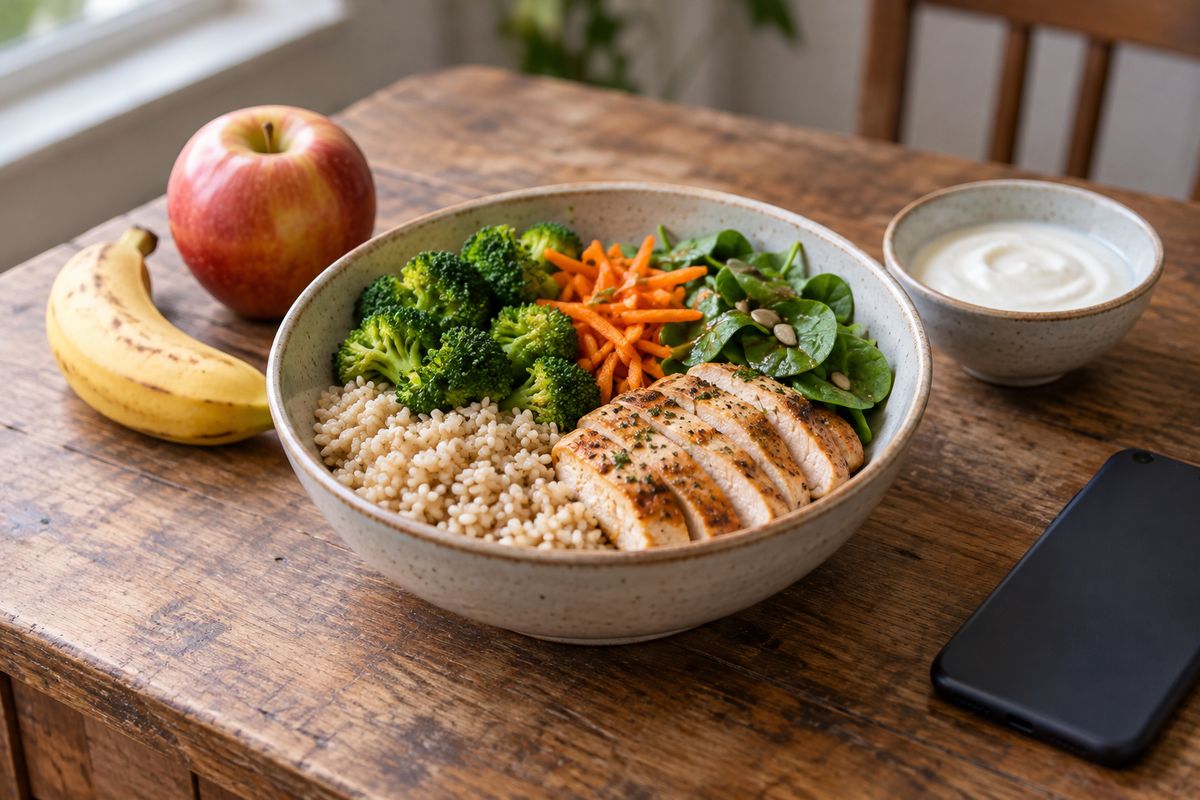
A sugar total means more when you can see where it comes from. Daily targets are easier to use when calories and macros move together. This update brings free-sugar estimates, automatic macro adjustments, personal meal times and better estimates of water from food into your everyday nutrition tracking.
- Free sugars
- PRO nutrient view
- Calorie and macro targets
- Free and PRO
- Meal times
- Free and PRO
Explore these changes in the PlateLens web app. The linked Support guides explain the controls, personal limits and report options.
Free sugars: a clearer way to understand your sugar intake
Fruit, plain milk, honey and a sweetened drink can all contribute to total sugars. They belong to different categories when you look at free sugars:
- Total sugars: all the sugars in the food, including those naturally present in whole fruit and milk.
- Added sugars: sugars added during manufacturing, cooking or serving.
- Free sugars: added sugars plus the sugars naturally present in honey, syrups, fruit juices and juice concentrates. Sugars inside whole fruit and vegetables, and natural milk lactose, sit outside this category.
These categories overlap: added sugars are part of free sugars, and free sugars are part of total sugars. Do not add the three figures together. A juice can contain free sugars even when its label says “no added sugar.”
The World Health Organization recommends keeping free sugars below 10% of total energy intake, with a conditional recommendation to reduce them further, below 5%. PlateLens uses the 10% reference for its automatic free-sugar limit, based on your base calorie target.
Example: a 1,700 kcal base target gives a 42.5 g free-sugar reference: 1,700 × 10% ÷ 4. Activity calories leave that reference unchanged. A personal maximum takes priority.
Total and added sugars have no automatic maximum in PlateLens; you can keep an explicit personal maximum for either. The free-sugar reference is a tracking aid based on general guidance, while a personal limit reflects the target you choose.
With PRO, choose Free sugars alongside the other Blood health nutrients. Open its gauge to see the meals contributing to the total, read its explanation or adjust your maximum. The estimate also appears in meal and ingredient details, Diary periods and the corresponding nutrition sections of PDF reports.
The Health Score uses free sugars for its sugar component, so the sugars naturally present in a whole apple or plain milk are treated in the appropriate category. Its existing explanation still walks through the score's four components. Read the nutrient, score and report guide.
Change daily calories and your macros follow
When you edit your base daily calories, PlateLens adjusts protein, carbohydrates and fat together, keeping approximately the proportions you already chose. This works when you type a calorie value or use the number selector. The calorie and macro target editor is available on Free and PRO.
You can still enter the grams yourself. If their energy total differs from your calorie target by more than 10 kcal, a yellow warning shows the discrepancy and an Adjust macros action. Saving gives you the choice to review, adjust or deliberately keep the separate values.
Daily activity adjustments continue to use their own settings. The new behavior keeps your base plan aligned as you edit it. See how base targets and activity adjustments work.
Meal suggestions that fit your hours
A late lunch can still be lunch. In the web app, open Settings → Meal times and choose the time windows for breakfast, lunch and dinner. Snack covers the remaining hours, and dinner can continue past midnight.
The windows control the meal type suggested when you log. Your manual choice always wins, and previously logged meals keep their recorded meal type. The preference is available on Free and PRO. Set your meal times.
Water from food counts too
Soup, cooked grains, fruit and vegetables can contribute water to your day. Meal analysis now pays closer attention to the preparation and water retained in the food, including small contributions.
Water from food is estimated for the meal as a whole. Drinks keep their separate liquid estimate, and changing the consumed portion scales the corresponding amount. Your hydration view distinguishes the two sources. Read how food and drink hydration is recorded.
A few smaller improvements to your diary
- Recents: previously logged meals follow their recorded date and time, with creation time used when a consumption time is unavailable.
- PDF reports: weekly reports have improved page breaks in the fat summary. New report preferences start with all sections selected; after a successful export, your choices are remembered.
For calories grouped by breakfast, lunch, dinner or snacks, open Balance. The meal-logging guide covers these views and controls.
Review the meal behind the estimate
A whole apple and apple juice belong in different sugar categories. A plain yogurt and the same yogurt with honey need different descriptions. In PlateLens, log a photo, a typed description or a spoken meal, then review the ingredients and portions. For example, “plain yogurt with a whole apple and a spoonful of honey” gives the analysis useful preparation context. If the portion or ingredients differ, use Fix it to describe the correction. New analyses estimate the nutrients for that meal, including free sugars; the figures remain estimates. Open the gauge to understand the largest contributors, then use Diary to follow the pattern over time. See how to review and correct a meal.
Frequently asked questions
Is there an app that tracks free sugars separately from total sugars?
PlateLens estimates total, added and free sugars separately from meals logged by photo, text or voice. With PRO, open Free sugars to review the contributing meals, set a personal maximum and follow your intake in Diary and nutrition reports. Whole fruit and natural milk lactose stay outside the free-sugar category.
How accurate are free-sugar estimates from a meal photo?
A photo provides clues about the meal, while its recipe, sweeteners and portions determine the actual amount. PlateLens estimates free sugars from the available food and preparation context. Review the ingredients and use Fix it to add a missing detail, such as honey or a sweetened sauce. These amounts are estimates, not laboratory measurements.
Will older meals get new free-sugar estimates automatically?
Existing estimates are retained. An older meal with no free-sugar estimate keeps that missing information; it is not silently counted as zero or analysed again. New analyses provide numeric nutrient estimates, including zero when the nutrient is estimated to be absent. Health Score uses free sugars when the meal has complete data for that component.
Which changes require PRO?
The free-sugar nutrient view and its detailed nutrition reports require PRO. The calorie and macro target editor, personal meal times and Health Score are available on Free and PRO. The score uses the same nutrient criteria on both plans.
Can I still set calories and macros independently?
Yes. Editing base calories adjusts the macros automatically, and you can then edit any macro in grams. If their energy differs from the calorie target by more than 10 kcal, the editor explains the mismatch and lets you review, adjust or save your deliberate choice.
Put it into practice
Describe your meal and its preparation in PlateLens to estimate its nutrition, then review your portions and daily targets in one place.